> ## Documentation Index
> Fetch the complete documentation index at: https://docs.enso.build/llms.txt
> Use this file to discover all available pages before exploring further.
# Enso DeFi Navigator
> A UI to navigate projects, protocols, and positions in the Enso ecosystem, always up-to-date with live integrations.
export const date_0 = "2025-07-15"
The Enso DeFi Navigator is a helper tool to explore and interact with the Enso ecosystem.
This tool is designed to make it easier to assemble and debug routes, by finding the accurate information about projets, tokens and their primary contracts.
Use the Enso DeFi Navigator
Source code
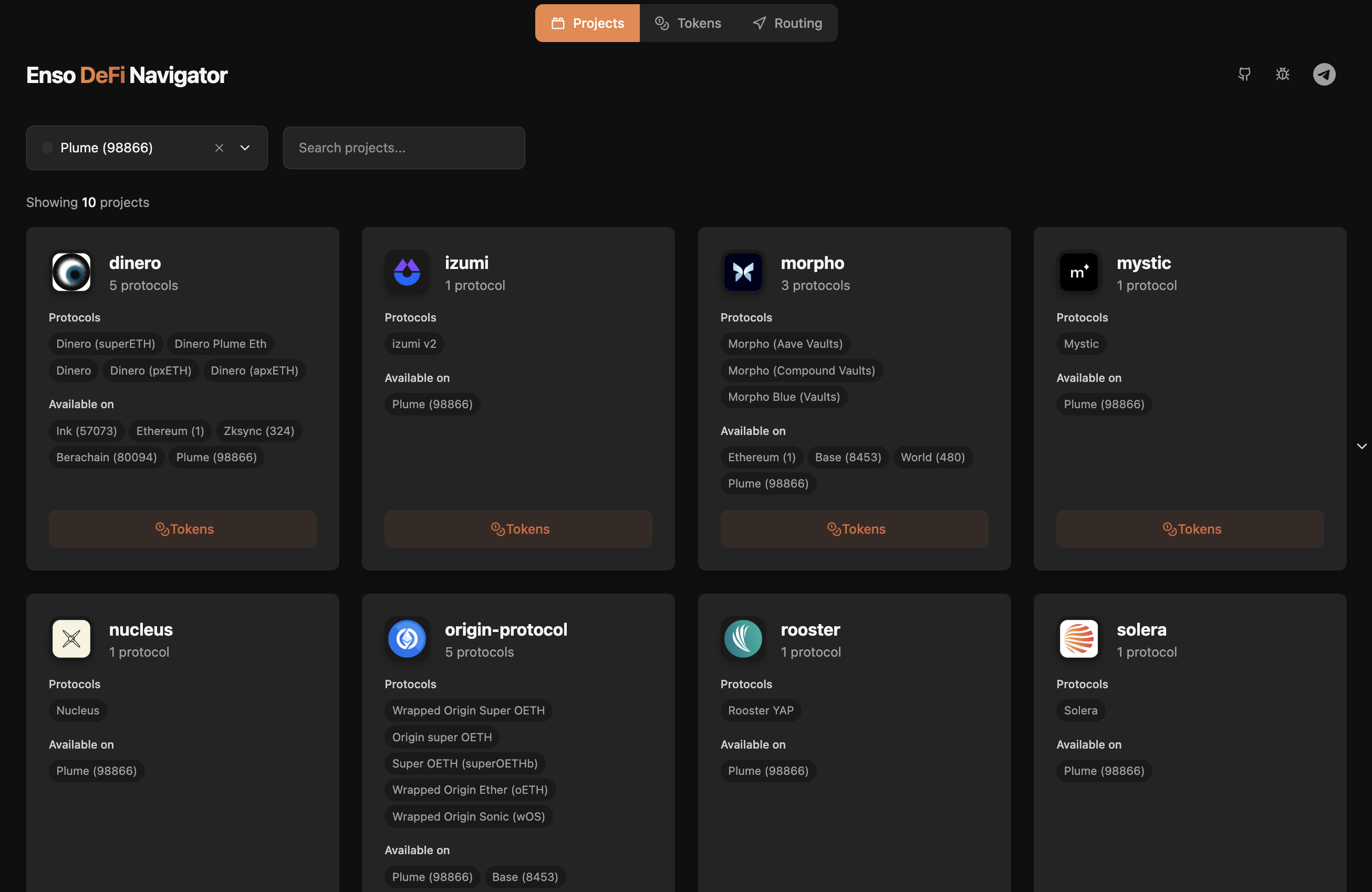
It provides an interface to navigate through supported projects, protocols, and positions.
* **Projects**: Browse integrated networks and projects
* **Protocols**: View supported projects versinons and access supported tokens
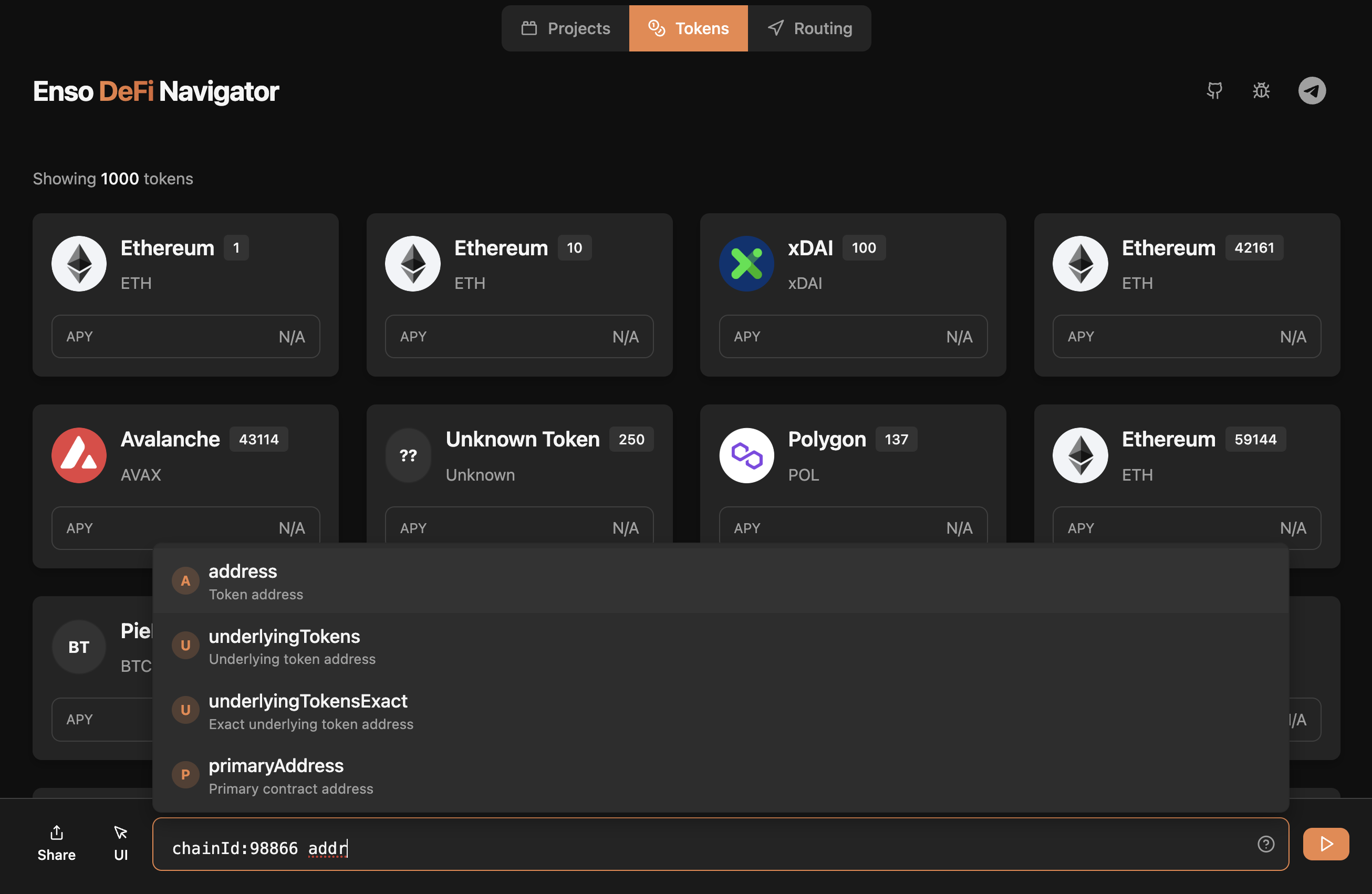
* **Tokens**: Query supported tokens by address, symbol, primary address, underlying tokens and more
Next steps:
* [Try the Navigator](https://navigator.enso.build/)
* [Learn about Enso's APIs](/pages/build/get-started/overview)
* [Integrate the SDK](https://github.com/EnsoBuild/sdk-ts)